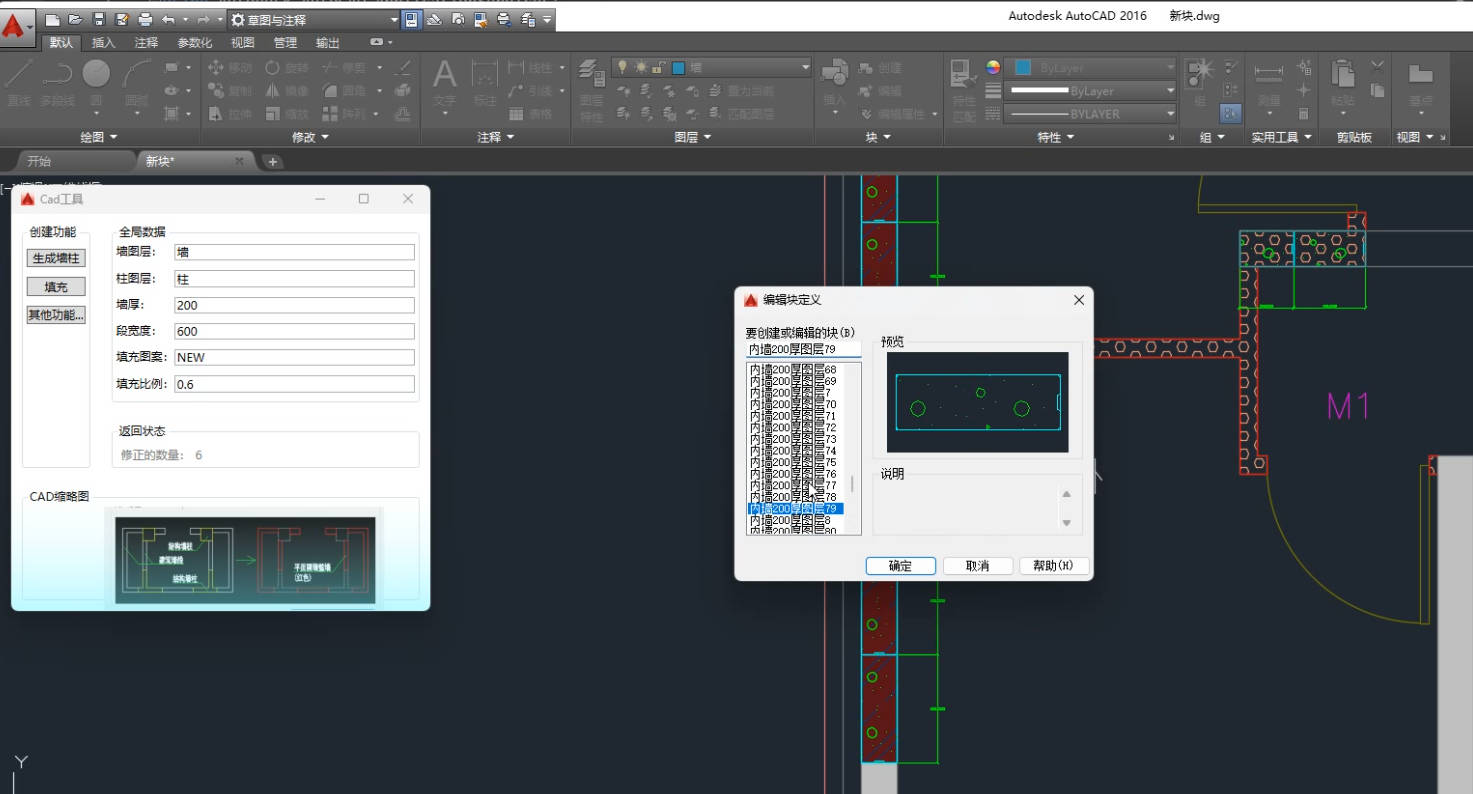
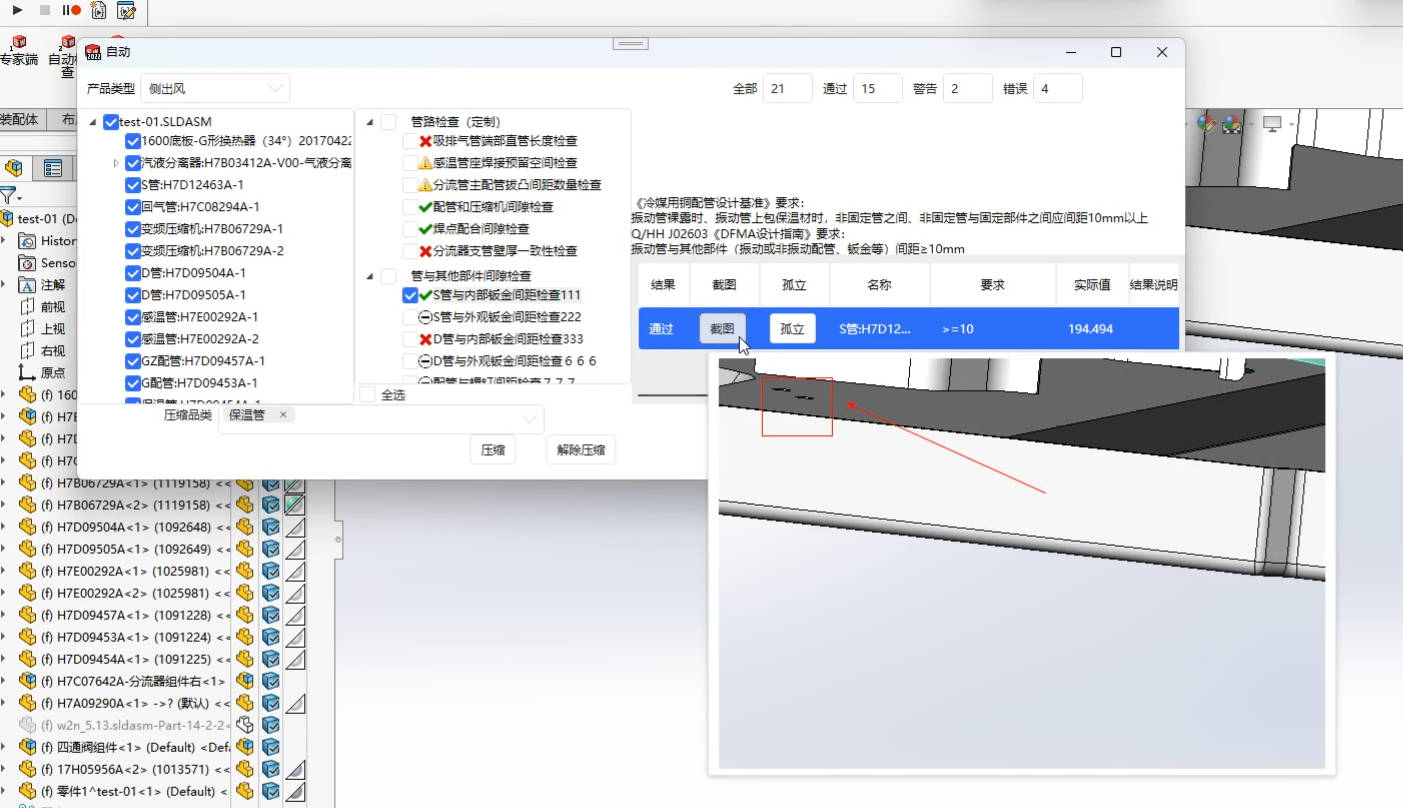
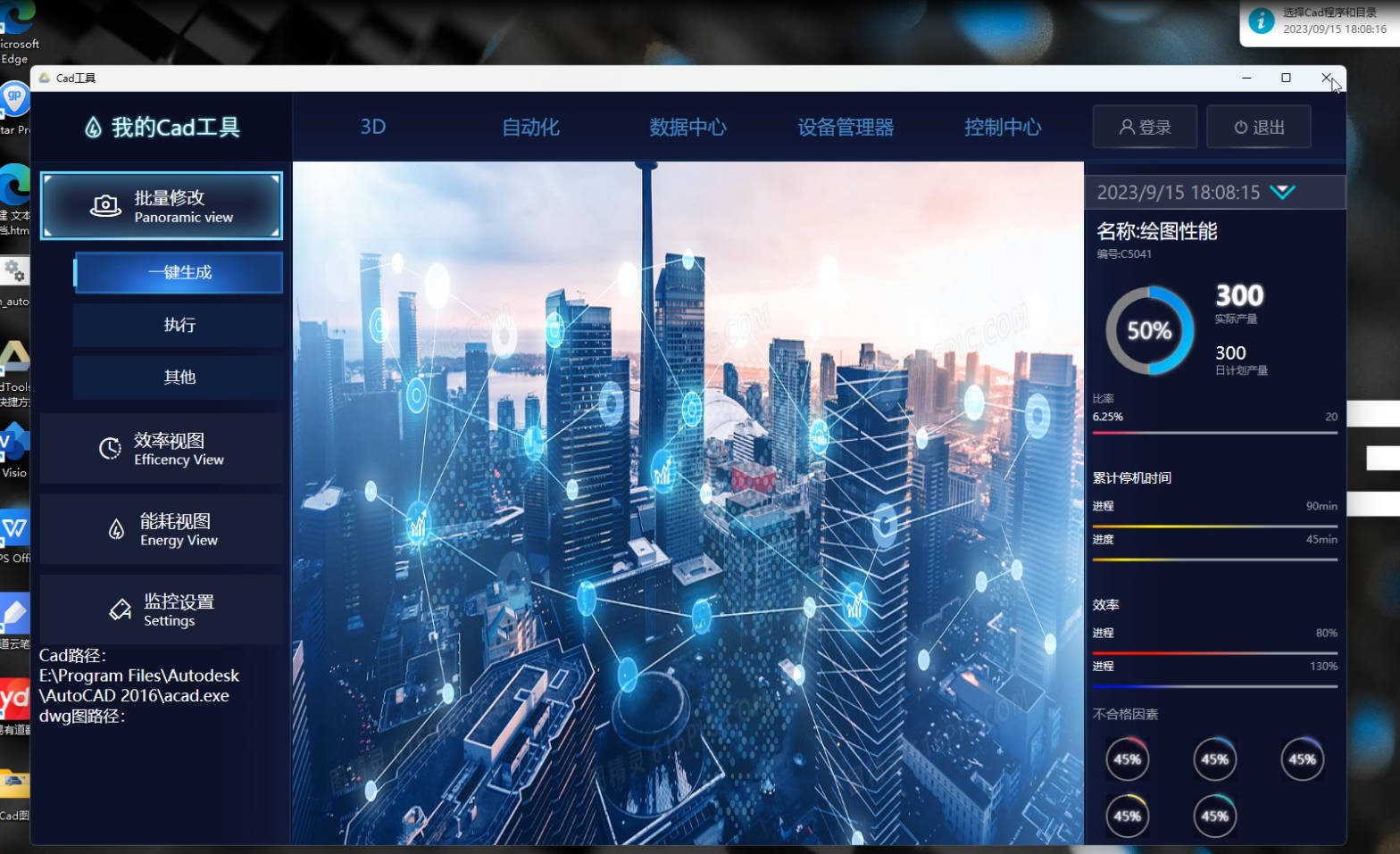
我的音乐播放器
using gTools.Interface;
using System;
using System.Collections.Generic;
using System.Linq;
using System.Threading.Tasks;
using System.Web;
using System.Windows;
using Microsoft.SqlServer.Server;
using System.Windows.Forms;
using System.IO;
using System.Diagnostics;
using System.Reflection;
using gTools.PluginModel;

namespace Plugin_WindowTest
{
    /// <summary>
    /// gTools_Plugin 的摘要说明
    /// </summary>
    ///
    [gToolsPluginName("豪音乐", "1.0.1", "我的音乐播放器", PluginClassificationIcons.g_Window)]
    public class gTools_Plugin : IWindowView
    {
        public Window gtMusic { get; set; }
        public async Task<object> Execute(object input = null)
        {
            if (true)
            {
                #region 直接启动一个进程运行
                var path = Path.Combine(Dllfloder, "Assets");
                var exeFilename = path + @"\EXE\MyMusic.App.exe";
                System.Diagnostics.Process.Start(exeFilename);
                Debug.Print($"运行[{exeFilename}]程序");
                #endregion
            }
            else
            {
                #region  创建窗口实例
                //MainWindow window = new MainWindow();
                //window.Show(); // 显示窗口(使用Show方法显示非模态窗口)
                #endregion
            }
            return gtMusic;
        }
        public static string DllPath { get; set; }

        public static string Dllfloder { get; set; }
        public void Initialize()
        {
            try
            {
                //弃用这种实例化
                //gtMusic = new MainWindow();
                DllPath = Assembly.GetExecutingAssembly().Location;
                Dllfloder = Path.GetDirectoryName(DllPath);
            }
            catch (Exception ex)
            {
                System.Windows.MessageBox.Show(ex.Message);
            }
        }
    }
}窗体插件必须实现 IWindowView 接口,包含以下成员:
Window gtMusic { get; set; }
主窗口实例,用于管理窗体生命周期
Task<object> Execute(object input = null)
执行入口,窗体显示时触发,可接收传入参数
void Initialize()
初始化方法,在插件加载时调用
窗体插件支持两种运行方式,根据场景选择:
| 模式 | 优点 | 缺点 |
|---|---|---|
| 独立进程 | 稳定性高,崩溃不影响主程序 | 启动速度稍慢 |
| 启动快,交互流畅 | 可能影响主程序稳定性 |